Confused by the types of headphones on the shelf? Most fall into earbuds, on-ear, over-ear, open-back and bone conduction, and the right one depends on where you listen and how long.
| Item | Value |
|---|---|
| Adult weekly listening guide (WHO-ITU Mode 1) | 80 dB for 40 hours per week |
| Child weekly listening guide (WHO-ITU Mode 2) | 75 dB for 40 hours per week |
| LC3 codec versus SBC | Improved audio quality even at a 50% lower bit rate |
| Auracast broadcast audio | One source to an unlimited number of audio sink devices |
These figures come from the WHO-ITU safe listening standard page and the Bluetooth SIG LE Audio page. Standards and specifications can change, so check the source before you rely on them.
How headphone types are grouped
Headphones are usually sorted by how they sit on or in your ear, then by how they connect and what extra features they carry. Those three questions explain almost every product description you will meet.
This guide is an independent, educational overview of audio wearables. It is not connected to any brand or product named, and it does not sell anything. If you want the wider picture first, the wearable audio hub covers the whole category.
The main fit styles are:
- Earbuds: small drivers that rest in the outer ear, without a sealing tip.
- In-ear monitors and canal buds: silicone or foam tips that seal inside the ear canal.
- On-ear: cushions that rest on top of your ears.
- Over-ear: larger cups that surround your ears.
- Bone conduction and open-ear: designs that leave the canal uncovered.
Connection is the second split: wired, Bluetooth, or both. The third is features such as noise cancelling, transparency modes, microphones and water resistance.
Earbuds and in-ear styles
Earbuds are the smallest and most portable choice. Classic earbuds sit loosely in the bowl of the ear, which keeps you aware of your surroundings but lets bass leak out and noise leak in.
In-ear designs with tips go further. A tight seal in the canal improves bass, blocks outside sound passively and often lets you listen at a lower volume. The trade-off is comfort: some people find a sealed canal tiring after a long session.
Wired in-ears
Wired in-ears are light, need no charging and avoid wireless delay. They suit commuting, gaming on a handheld and anyone who dislikes managing batteries. Check which connector your phone or laptop offers, since many phones no longer include a headphone socket and need a small adapter.
True wireless earbuds
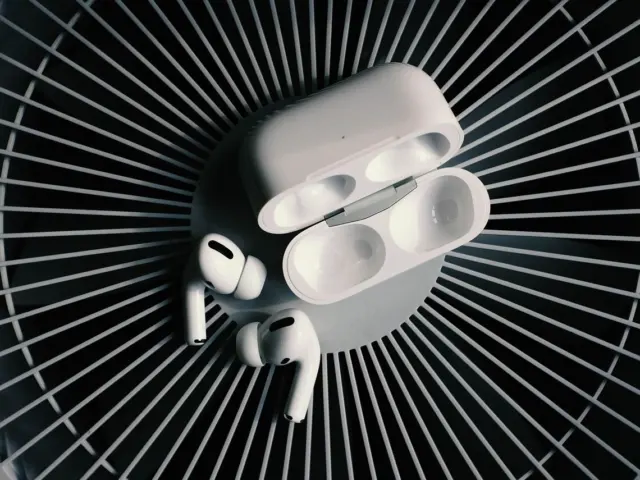
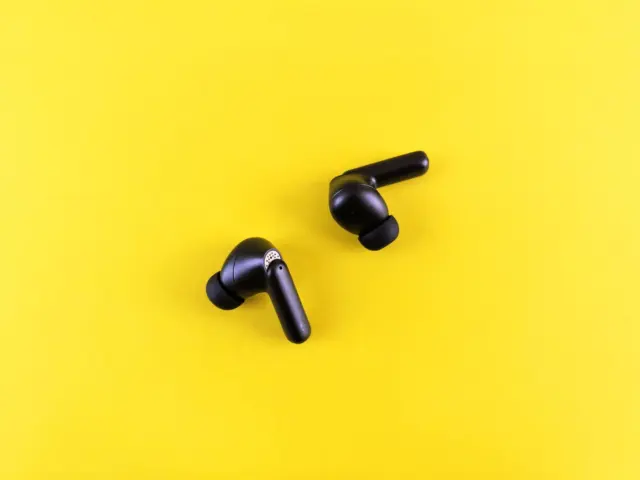
Here each bud is a separate unit with no cable between them, carried in a charging case. Our deeper look at true wireless earbuds covers battery life, fit and case design in detail.
Because each bud holds its own battery, radio and microphones, they are compact but small batteries run down quickly. The case acts as a power bank and usually provides several extra charges.
Neckband and sports earbuds
Neckband models join the two buds with a cable that rests behind your neck. They offer longer battery life than tiny separate buds and are harder to lose. Sports versions add ear hooks or wings to keep them secure while you run.

On-ear and over-ear headphones
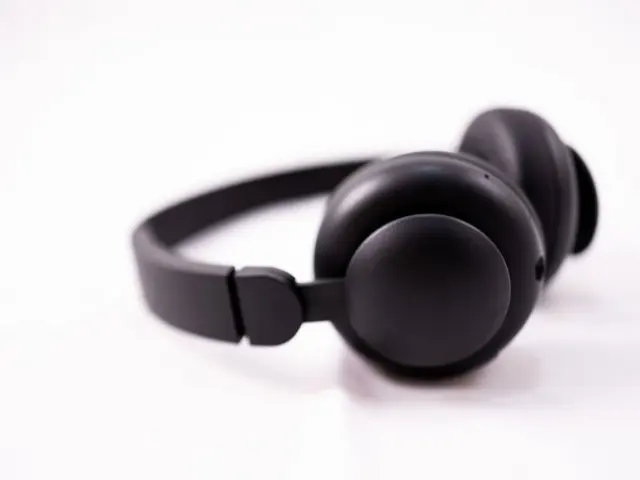
Larger headphones use bigger drivers and cushions, which often means fuller sound and better comfort over hours. They also bring more bulk, and they are less discreet on the street.
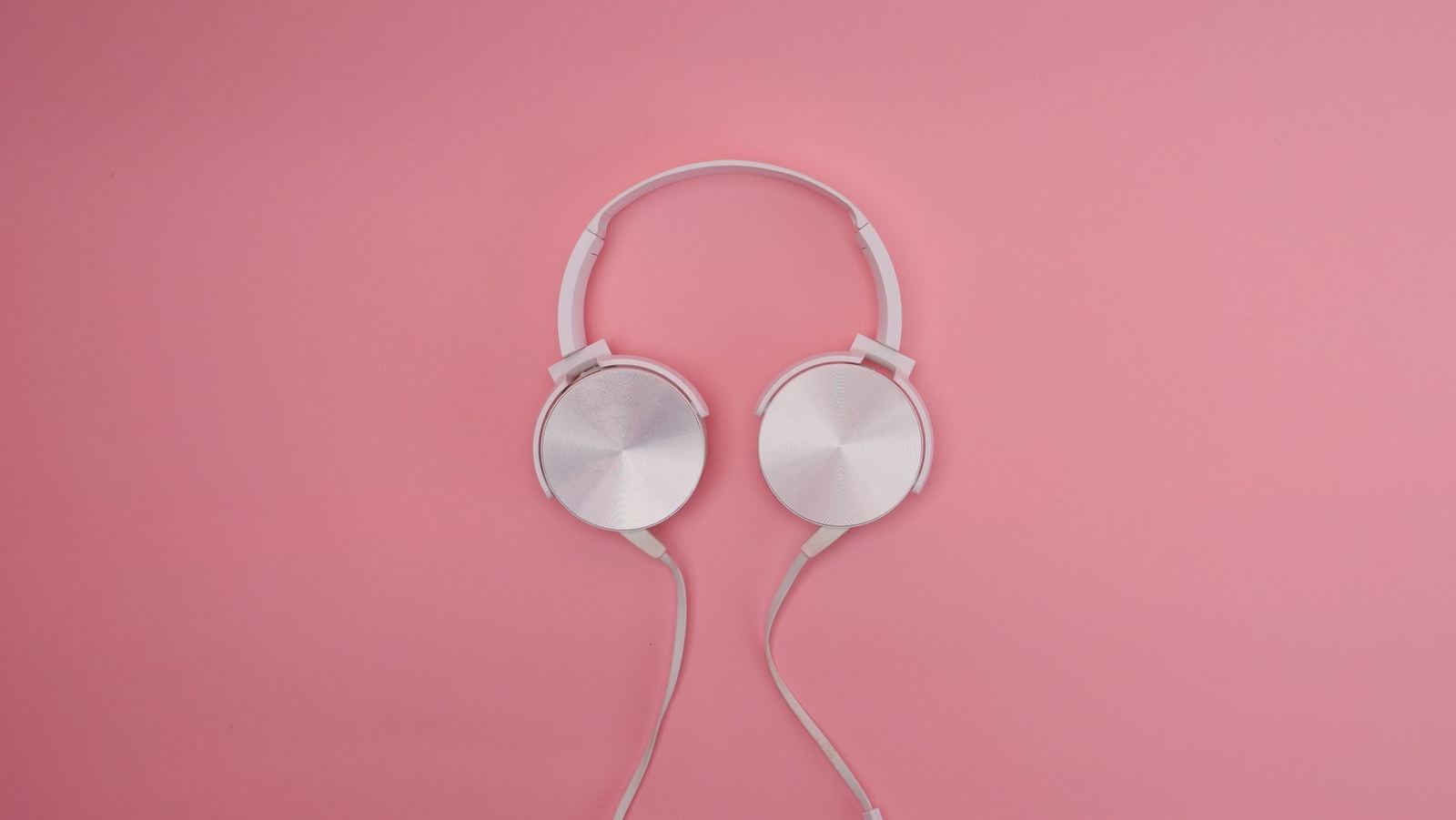
On-ear models press on the ear itself. They are lighter and fold smaller than over-ear designs, but pressure on the ear can become uncomfortable and sound leaks more easily.
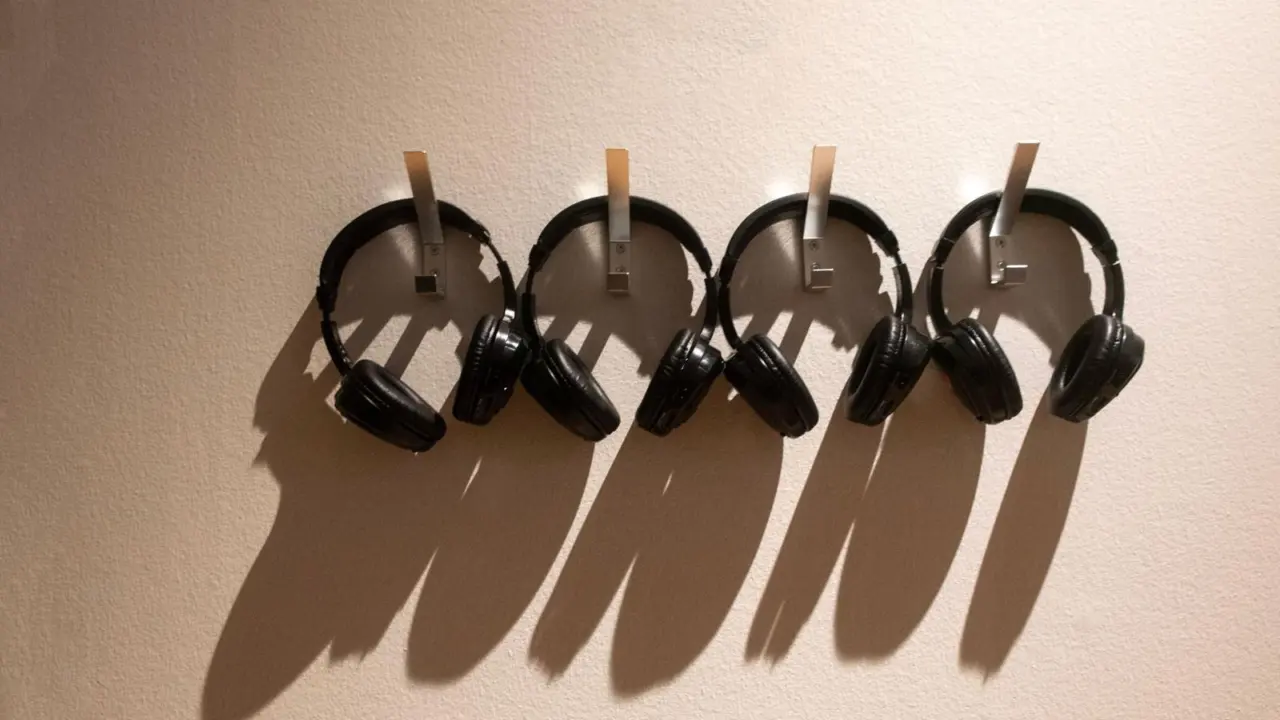
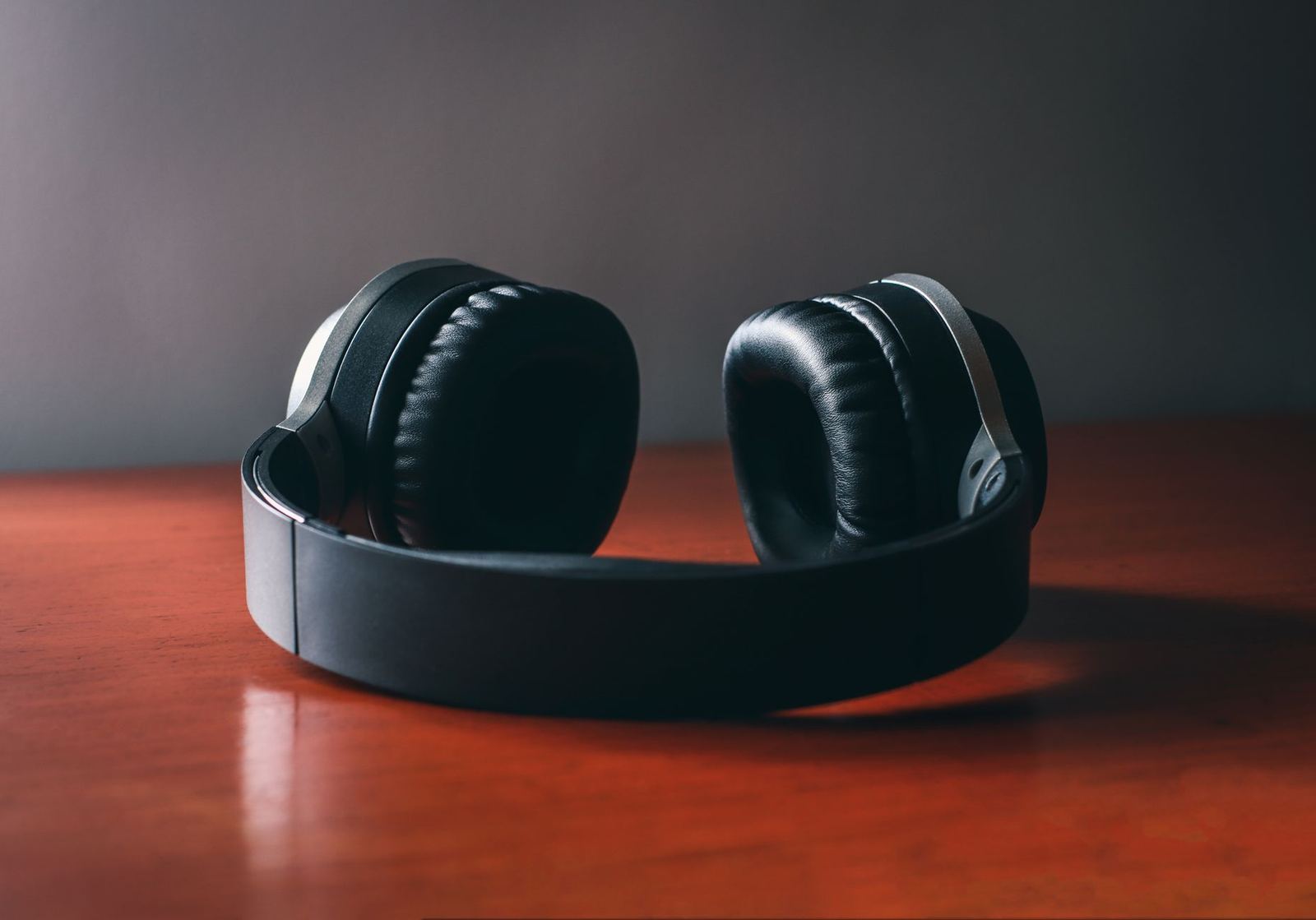
Over-ear models enclose the whole ear. Closed-back over-ear models can reduce outside sound, and large cups provide space for drivers, batteries and microphones. They can get warm in hot weather.
If you are torn between a sealed bud and a full-size cup, the comparison of in-ear vs over-ear headphones sets out the trade-offs on comfort, sound and portability.
Closed-back and open-back
The back of each cup is either sealed or vented. The difference matters most at home.
- Closed-back: blocks outside noise and keeps your music from leaking out. This is the usual choice for travel, offices and public spaces.
- Open-back: lets air and sound pass through the cups, which often gives a wider, more natural soundstage. Others will hear what you play, and you will hear them.
- Semi-open: sits between the two, with partial venting.
Open-back headphones suit quiet rooms, music listening and mixing. They are a poor match for planes and trains.
Bone conduction and open-ear headphones
These styles leave your ear canal free. Bone conduction sends vibrations through the bones of your cheek, while other open-ear designs aim small speakers at the canal from just outside it.
The main appeal is awareness. Runners and cyclists can hear traffic, and office workers can hear a colleague speak without removing anything.
The trade-offs are weaker bass and more sound leaking to people nearby. At high volume they can still contribute to hearing damage, because the sound reaches your inner ear whether or not your canal is blocked.
They can also help people who find tips uncomfortable or who have ear conditions that make sealed designs unsuitable. If that applies to you, ask a hearing professional rather than guessing.
Features that change how headphones behave
Once you pick a style, features decide daily experience. Here are the ones worth understanding.
Noise cancelling and transparency
Active noise cancelling uses microphones to measure outside sound and plays an opposing signal to reduce it. It works best on steady, low sounds such as engine hum and much less on sudden or high-pitched noise. If you have ever wondered how do noise cancelling headphones work, that guide explains the microphones, processing and limits.
Transparency or ambient modes do the reverse by passing outside sound through the microphones so you can hear announcements without removing the headphones.
Microphones and calls
Calls depend on microphone count, placement and software that separates your voice from background noise. Over-ear headsets with boom microphones usually carry voice better than tiny buds, but modern buds are good enough for most calls.
Water and dust resistance
Water-resistance ratings describe protection under specified test conditions; check the maker’s guidance separately for sweat exposure and swimming. Check the exact rating and the care instructions.
Battery and charging
Look at listening time with noise cancelling on, not the best-case figure, and at how much the case adds. Quick-charge features can help if you forget to top up.
Multipoint and companion apps
Multipoint lets one pair stay connected to two devices, such as a phone and laptop. Companion apps often add equaliser controls, firmware updates and fit tests.
Wired or wireless: connection and codecs
Wired headphones send audio over a cable, either analogue through a headphone socket or digital through USB-C or Lightning. With a wire there is nothing to pair, and a passive pair needs no charging.
Bluetooth headphones trade that simplicity for freedom. Setup is a one-off task, and our guide on how to pair bluetooth earbuds walks you through it, including what to do when a pair will not connect.
Codecs: what they do
A codec compresses audio so it fits through the wireless link and then restores it in your headphones. Your phone and your headphones must share a codec, or they fall back to the basic one. The full picture is in bluetooth codecs explained.
The Bluetooth SIG says its newer LE Audio standard includes a codec called LC3, the Low Complexity Communications Codec. The SIG reports that, in listening tests, LC3 outperformed SBC while using half the bit rate.
LE Audio and Auracast
LE Audio also adds broadcast audio. According to the SIG, Auracast lets compatible receivers share an audio broadcast without a specified limit on receiver numbers.
In practice that points to shared TV audio in public places, silent venues and easier use with hearing aids. Whether you can use it depends on both your headphones and the venue, so treat it as a feature to check for rather than assume.
Delay and gaming
Bluetooth adds a small delay. Video apps usually compensate, but fast games and music production can expose it. Wired connections, or dedicated low-latency modes on supported pairs, are better for those uses.
Sound quality, drivers and impedance
Sound depends on the driver, the tuning and the seal, far more than on the price tag or the style label. Dynamic drivers are the most common, balanced armature drivers appear in many in-ear monitors, and planar magnetic designs show up in some premium over-ear models.
Impedance matters mostly for wired headphones. Whether a phone can drive wired headphones adequately depends on their sensitivity and impedance, as well as the phone’s audio output. Our explainer on headphone impedance explained shows how to read the specification.
Frequency-response claims are weak guides on their own. If you can, try a pair with music you know, and check the return policy.
Specialist headphone types
Beyond the everyday styles, a few specialist designs serve particular jobs. Knowing they exist stops you buying the wrong thing for a narrow need.
- Studio monitoring headphones: tuned to be neutral so you hear flaws in a recording. They often sound plain at first, and many are open-back or closed-back with a wired cable.
- Gaming headsets: over-ear cups with a boom microphone, often with a wireless dongle for low delay. Surround features vary widely in usefulness.
- Sleep headphones: thin, soft designs that fit under your head on a pillow, aimed at side sleepers.
- Hearing-protection headphones: ear defenders for loud work. They reduce noise and are different from music headphones, which are not hearing protectors.
- Kids’ headphones: built with a volume limiter and a sturdy, adjustable band.
- Hearing-assist earbuds: consumer buds with amplification features. Check whether the specific product is a regulated hearing aid or a general listening product.
When a specialist type fits, it usually beats a general model. When it does not, you pay for features you will never use.
How the types compare in daily use
A quick comparison helps when the descriptions blur together. The notes below are general tendencies, not rules, because tuning and build quality vary by model.
- Earbuds without tips: light and aware of surroundings, but sound leaks and bass is weaker.
- In-ear with tips: good passive isolation and compact, but canal pressure bothers some people.
- On-ear: light and folds small, but ear pressure and some leakage.
- Over-ear closed-back: comfort, isolation and big drivers, but bulk and warmth.
- Over-ear open-back: spacious sound, but it leaks and is poor in noise.
- Bone conduction: ears stay open, but bass is thin and sound leaks.
Use the list to shortlist two styles, then let fit and comfort break the tie. Reviews can tell you about sound, but only your own ears can judge pressure and seal.
Fit, comfort and ear shape
Comfort is personal. Ear canals vary in size and shape, so a pair that fits a friend perfectly may fall out of your ears or press painfully.
Try the included tips in each size and pick the one that seals without pressing. If you can, wear the pair for a good while before the return window closes. A poor seal makes even a well-tuned bud sound thin, and people often turn the volume up to compensate.
Lifespan and repairs
Wired headphones tend to last longest, because a worn cable or pads can often be replaced. Wireless buds depend on tiny sealed batteries, so after a few years of regular use the listening time shrinks. Look for replaceable ear tips, a clear warranty and software updates, and weigh them against the price.
Over-ear headphones often have swappable cushions and sometimes a detachable cable, which extends their useful life. That repairability is a quiet advantage that spec sheets rarely highlight.
Common mistakes when choosing
- Buying on a feature list rather than on fit and comfort.
- Assuming noise cancelling works equally well in every setting.
- Ignoring codec and device support, then wondering why a premium pair sounds ordinary.
- Choosing open-back for a noisy commute, or sealed buds for a run on busy roads.
- Forgetting that wireless buds have batteries that wear out over time.
Avoiding these mistakes matters more than finding the single “best” pair. A modest pair that fits your habits will serve you better than an expensive pair that does not.
Choosing a type and looking after it
Start with where you listen most, then match the type. For budgets and wider product choices, the audio wearables buying guide is a good next stop.
- Commuting and travel: sealed in-ears or closed-back over-ear with noise cancelling.
- Workouts: secure sports buds, or open-ear designs if you need to hear traffic.
- Home listening: open-back over-ears for a spacious sound, or wired in-ears for value.
- Calls and offices: over-ear headsets or buds with good microphones and multipoint.
- Small ears or comfort worries: try several tip sizes, or consider open-ear styles.
Hearing safety
Whatever you choose, volume and time matter. The WHO-ITU standard describes two listening modes: Mode 1 for adults is 80 dB for 40 hours per week, and Mode 2 for children is 75 dB for 40 hours per week. It also recommends that devices track your exposure as a “sound allowance”, and can reduce volume automatically if you listen loudly for too long.
For practical habits, see our page on safe headphone volume.
Care and hygiene
Earwax and moisture build up on tips and mesh, which dulls sound and can cause problems with the bud. Regular gentle cleaning helps, and the guide on how to clean earbuds covers safe methods for each material.
Store buds in their case, keep cables loosely coiled and replace worn ear tips and cushions when they harden or tear.
Frequently asked questions
What are the main types of headphones?
Show answer
The main types are earbuds, in-ear with tips, on-ear, over-ear, and bone conduction or open-ear designs. Over-ear models are further split into closed-back and open-back.
Are earbuds or over-ear headphones better?
Show answer
Neither wins overall. Earbuds are lighter and more portable, while over-ear models are often more comfortable for long sessions and have room for larger drivers and batteries.
Are bone conduction headphones safer for hearing?
Show answer
Not automatically. They keep your ears open to your surroundings, but loud sound can still damage hearing however it is delivered.
Do I need LE Audio or Auracast?
Show answer
Not to enjoy music today. Both are optional extras that depend on your phone, your headphones and any venue offering broadcasts, so check support on all of them.
Is wired better than wireless?
Show answer
Wired connections need no pairing and usually have low latency; passive wired headphones need no battery. Wireless is more convenient and now sounds very good for most listening, so pick by how you live.