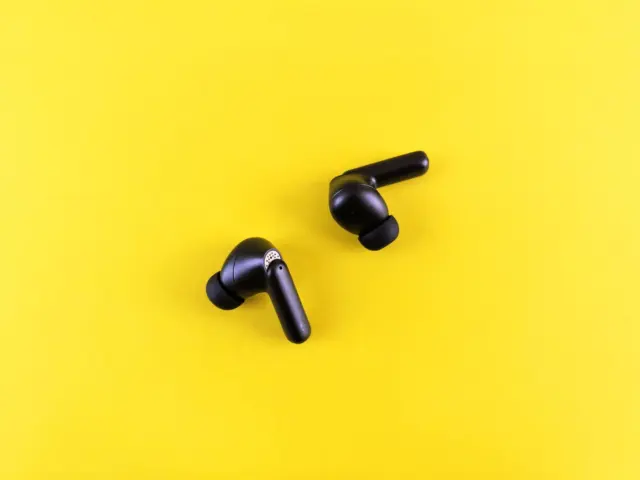
Wondering what makes true wireless earbuds different from other wireless pairs? They are two separate buds with no cable between them, and each one carries its own battery, radio and speaker.
This guide is part of our look at types of headphones.
| Item | Value |
|---|---|
| Codec that replaces SBC in Bluetooth LE Audio | LC3 (Low Complexity Communications Codec) |
| LE Audio design goal for earbuds | Individual streams sent to each earbud |
| Studies in the 2022 WHO-linked hearing review | 33 studies |
| Young people with unsafe headphone listening habits | 24% |
| Young people exposed to unsafe noise at entertainment venues | 48% |
| Estimated young people at risk of hearing loss | 670,000 to 1.35 billion |
Figures come from the Bluetooth technology website and RTÉ’s report on the 2022 study. They can change, so check the sources before you rely on them.
What makes earbuds “true wireless”?
The phrase means there is no wire at all, not even a short cord joining the left and right buds. Older “wireless” earphones dropped the cable to your phone but kept a neckband or cord between the two sides.
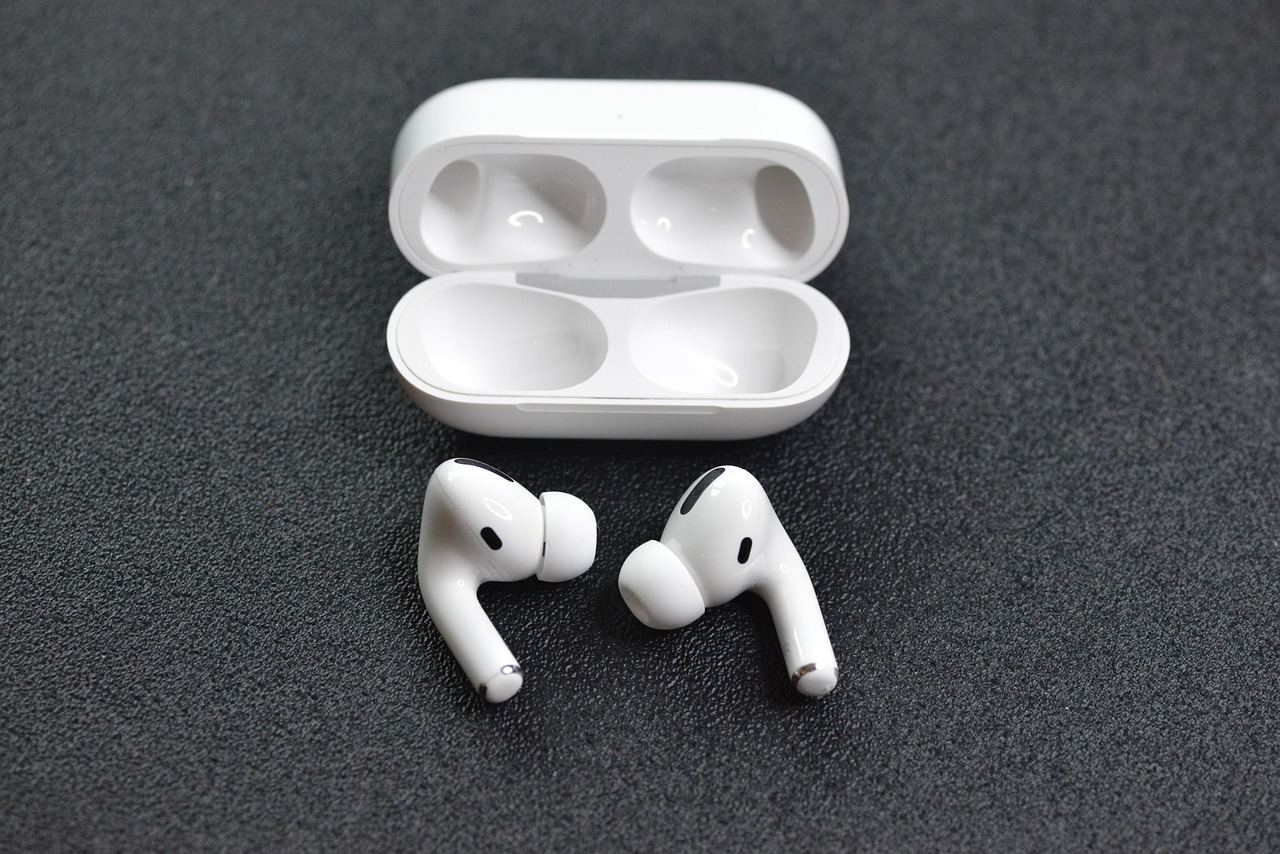
Each true wireless bud therefore has to hold everything it needs. Inside you will find:
- A tiny rechargeable battery.
- A Bluetooth radio and antenna.
- A small processor that decodes audio.
- One or more microphones for calls.
- Touch or pressure sensors for controls.
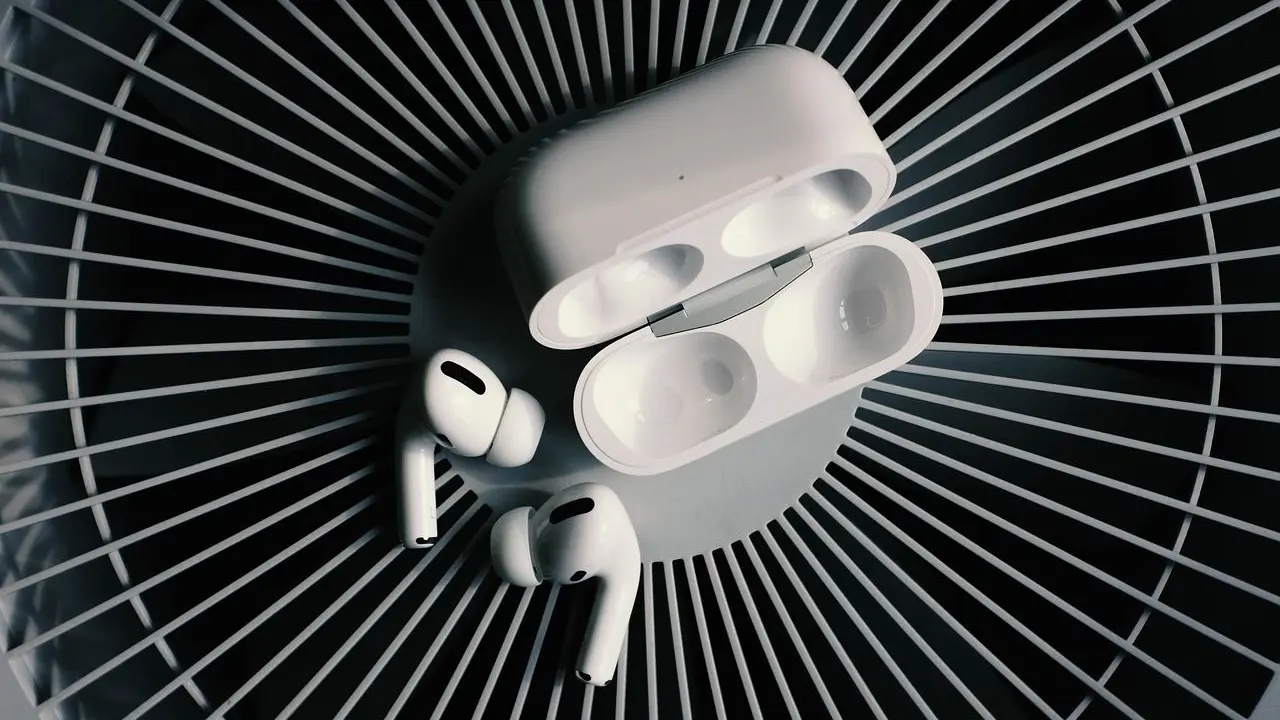
The charging case is part of the design. It stores the buds, tops up their batteries and often holds several extra charges, so the buds can stay small and light.
Most pairs also include sensors that detect when a bud is in your ear. Taking one out can pause playback, and putting it back resumes it. Some models add motion sensors for head tracking or for features such as spatial audio.
Because every part has to be tiny, makers make trade-offs between driver size, battery size and weight. A larger bud can hold more battery but may feel heavy or stick out of the ear. That balance is why two pairs at a similar price can sound and feel very different.
How do the two buds stay in sync?
With classic Bluetooth, your phone sends one stereo stream to one bud. That bud, often called the primary, then relays the other channel to its partner.
This works, but it has costs. The primary bud uses more power than the secondary, so one side can run flat sooner. The extra hop can also add delay and make dropouts more likely if the link between buds is disturbed by your body or a crowded radio environment.
Some makers use other tricks, such as having the phone talk to both buds or letting the buds swap the primary role. These are product-specific, so the experience varies from brand to brand.
You may notice the effects when you walk with your phone in a back pocket. The signal has to pass through your body, which absorbs radio waves, and brief stutters can result. Keeping the phone on the same side as the primary bud, or in a front pocket, sometimes helps.
Wi-Fi devices and microwave ovens can interfere with Bluetooth, and crowded stations may contain many active wireless devices. Such interference is a common cause of short dropouts that have nothing to do with the earbuds being faulty.
What does Bluetooth LE Audio change?
The Bluetooth standard body describes LE Audio as meeting new needs, and one of them is true wireless operation. Its overview lists the requirement as “True wireless operation with individual streams sent to each earbud”.
LE Audio introduces LC3 in place of SBC; the Bluetooth overview describes improvements in efficiency and audio quality. You can read more on the Bluetooth technology website.
In practice, you only get these benefits when your phone and your earbuds both support LE Audio. If either device lacks LE Audio support, classic Bluetooth audio works only if both devices support it.
What should you expect from daily use?
Expect trade-offs that come from size. Small buds mean small batteries, so a single charge lasts for hours rather than days, and the case does the rest of the work.
Real-world results depend on volume, noise control and the codec in use. Using the noise control feature usually drains the battery faster, so the number on the box is best read as a best case rather than a promise.
Here is what usually matters most:
- Fit: a secure seal affects bass, comfort and how well noise is blocked.
- Battery: check both the bud life and the total with the case.
- Calls: microphone quality varies a lot, especially in wind.
- Latency: video and games can show lip-sync lag on some pairs.
- Loss: small items are easy to misplace, so look for find-my-earbuds features.
Many models add active noise control. If you are curious about the technology, read about how do noise cancelling headphones work.
Are true wireless earbuds safe for your hearing?
The earbud format is not the problem, but volume and time are. Earbuds sit close to the eardrum, and it is easy to turn them up to cover background noise.
A 2022 analysis in BMJ Global Health, reported by RTÉ, looked at “33 studies” with more than 19,000 participants aged 12 to 34. It found that “24% of the young people had unsafe listening practices while using headphones with devices such as smartphones”. Unsafe exposure at entertainment venues affected 48% of the young people studied. The estimated population at risk was 670,000–1.35 billion young people, per RTÉ.
A few habits help. Keep playback volume low, take breaks, and use a device volume limit if one is available. Our page on safe headphone volume covers this in more depth.
How do you choose and look after a pair?
Start with the fit, because it shapes almost everything else. Most pairs come with several tip sizes, and some use wings or hooks for sport. Try each size and pick the one that feels secure without pressure.
Next, match the features to your day. A commuter may care most about noise control and call quality, while a runner may want a hooked fit and water resistance. Someone who watches video on a phone should look for low delay.
Think about your phone too. Check which codecs your phone and the earbuds both support, since the best option is the one both sides share.
Simple care keeps a pair working longer:
- Wipe the buds and the case contacts with a dry, soft cloth.
- Clear earwax from the mesh gently, without pushing it inward.
- Store the buds in the case so they charge and stay together.
- Avoid leaving them in a hot car or in direct sun.
- Keep the firmware up to date through the maker’s app, if there is one.
Battery wear is the usual end of life for these products. Because the cells are tiny and sealed, they lose capacity over the years, and replacement is rarely simple. That is worth weighing against the price.
Frequently asked questions
Do true wireless earbuds have a cable anywhere?
Show answer
No. The buds connect to your phone by Bluetooth and to each other wirelessly. You only use a cable to charge the case.
Why does one bud sometimes die before the other?
Show answer
On classic Bluetooth, one bud often relays audio to the other and so uses more power. LE Audio aims to send individual streams to each earbud, but it needs support on both your phone and your earbuds.
Is LC3 better than SBC?
Show answer
The Bluetooth standard body says LC3 is a more efficient, higher quality codec that replaces SBC in LE Audio. You only hear it if both devices support LE Audio.
Do I need LE Audio to enjoy true wireless earbuds?
Show answer
No. Classic Bluetooth works well for most listening, and plenty of good pairs use it. LE Audio is an upgrade path rather than a requirement.
Can earbuds damage my hearing?
Show answer
Any headphones can if the sound is too loud for too long. Lower volume and regular breaks reduce the risk.